
Making physical trading cards at home sounds simple enough. Design a template, add some art, print it out. But if you want to do it right with consistent quality, scalable production, and clean print output the software side turns out to be a rabbit hole of its own. Here’s how my pipeline evolved over two years, from shaky Photoshop experiments to a fully parametric SVG factory.
Phase 1: The Idea Takes Shape in Photoshop
It started with a familiar itch: I wanted video game–themed trading cards. Nothing commercial existed that quite scratched it, so I figured I’d make my own.
I opened Photoshop and started building templates. The vibe was right, the illustrations clicked into place, the DNA of what would become Memoria Cards was already there. Then I stopped. Life moved on, the files sat idle.
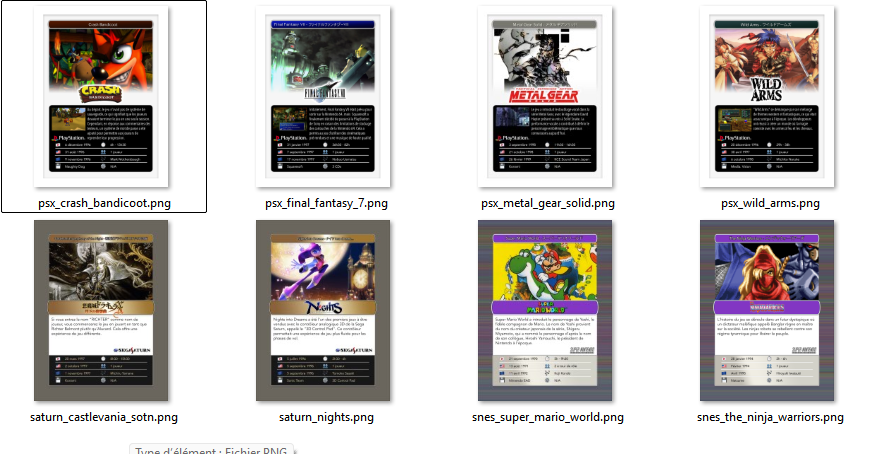
But there was a deeper problem I hadn’t fully admitted yet: I am genuinely disorganized in Photoshop. Layer structures would drift. Each new card became a slightly different version of the template. Nothing was standardized. The moment I’d want to change a font, a color, a layout element… I’d have to hunt it down manually across a dozen separate files. It wasn’t sustainable for even a small run of cards, let alone a real catalog.
Phase 2: A Python Pipeline with Pillow
The itch came back, stronger this time, and with it a new idea: automate the whole thing with Python.
I built a set of scripts using the Pillow imaging library. Cards were generated programmatically, each one assembled from components: illustrations, rounded rectangles, stat bars, text layers. I added small visual touches like noise effects and soft drop shadows. A masking and cropping system kept the card frame crisp. For the first time, I could generate a card from a YAML description without touching any image editor.
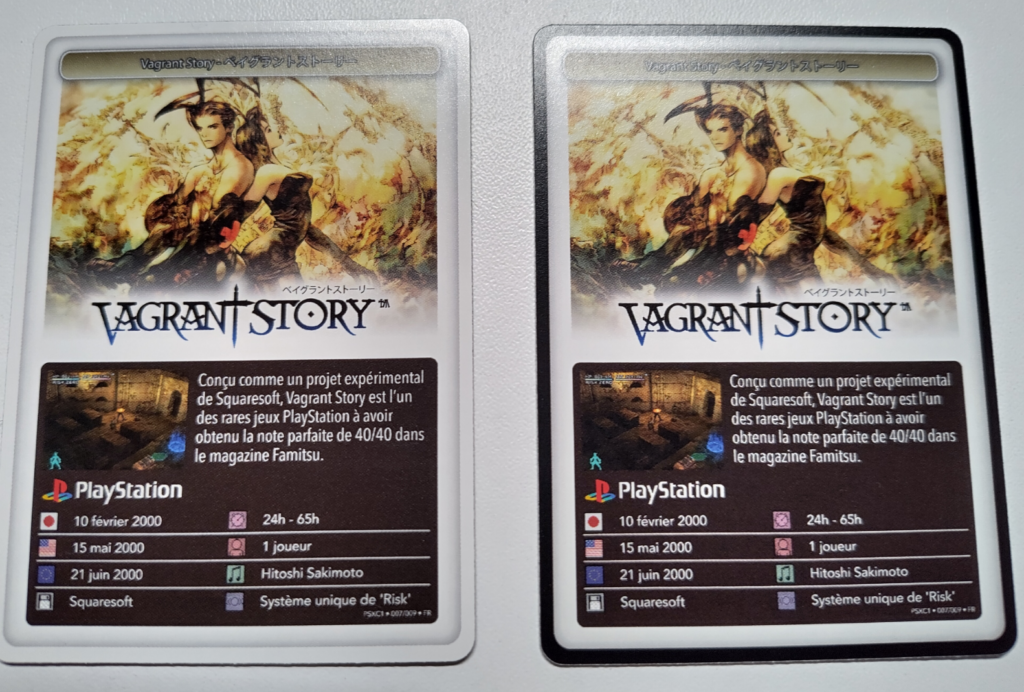
It felt like a real step forward. I even got a batch printed through MPC, and they looked… decent.
But the pipeline had real structural problems:
- Maintenance was painful. Pillow is a low-level raster library. Every visual tweak meant digging back into pixel-math code. There was no template in any meaningful sense : just a very long script.
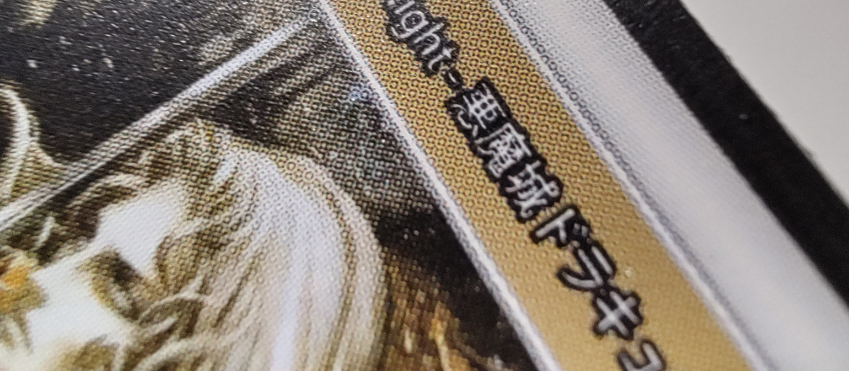
- Typography was terrible for print. The only way to get sharp text was to render at 3× resolution and downscale. This is a hack, and it showed. Print-ready files need true vector text, not downsampled raster approximations. The whole approach was fundamentally misaligned with what high-quality printing actually requires.
The printed cards were fine for a prototype. But I knew this wasn’t the foundation to build on.
Phase 3: SVG Changes Everything
Then a thought clicked: SVG is just XML. I can manipulate it programmatically.
I rebuilt the entire pipeline from scratch around Inkscape and SVG. The shift in approach was total.
Now, I design my card template in Inkscape like a proper designer with full visual control, proper typography, clean geometry. Every element that needs to vary gets a unique id. Then a Python script walks the SVG tree, swaps out attribute values and text nodes, injects illustration paths, and writes a new file. SVG 2 also offers a handful of native filter effects (noise, blur, color transforms) that replace all my old Pillow hacks with clean, resolution-independent declarations.
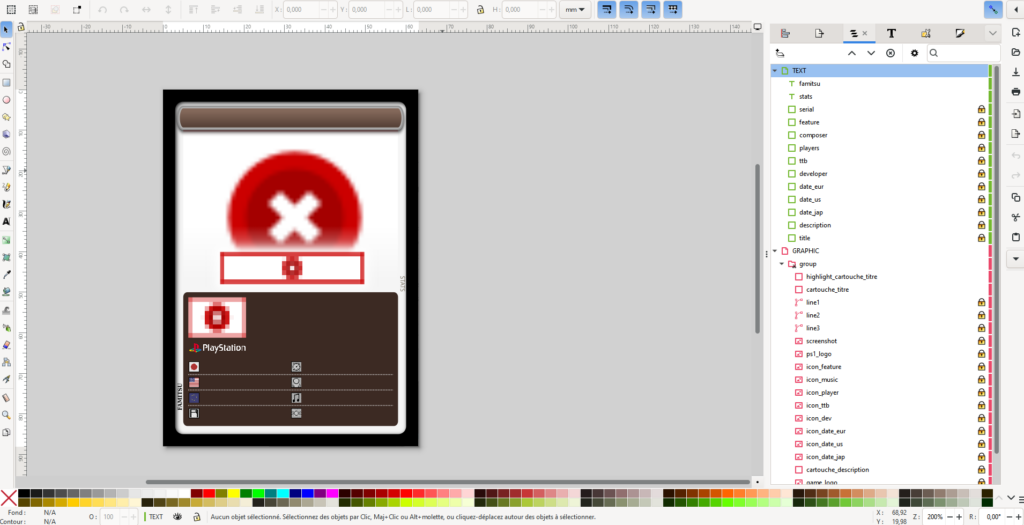
The result is a Template Factory: a parametric system where each card is a rendered instance of a model, not a hand-crafted Photoshop file. The same mechanism generates print sheets multiple cards laid out on a single page, ready to send to the printer.
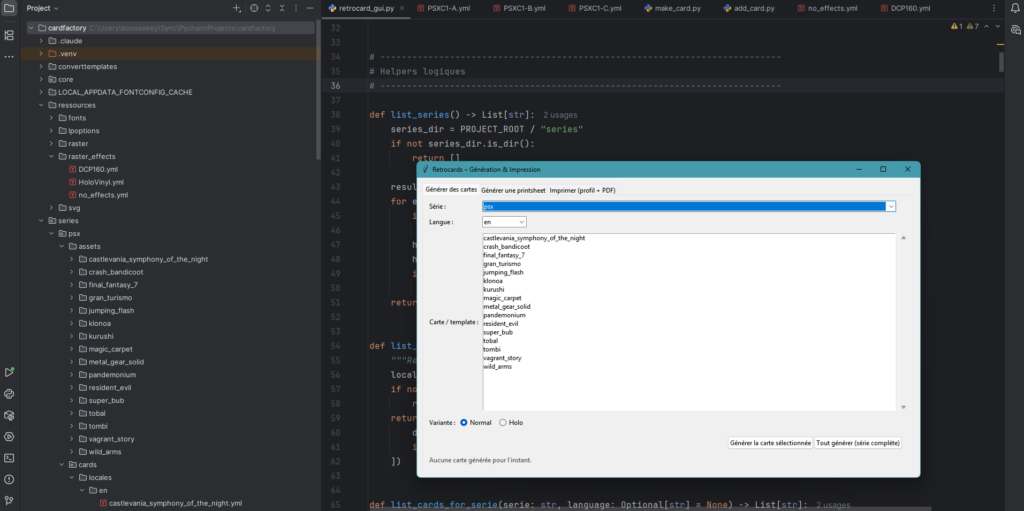
The gains are significant:
- Vector quality all the way to output. No resolution decisions until the very last step. The SVG stays sharp at any size, and my print files are genuinely print-ready.
- Fine-grained print control under Linux. I drive my color laser printers directly with
lp, tuning every parameter, page size, duplex mode, color profile, from the command line. No guesswork, no driver dialogs. - Unified color correction. Color adjustments are applied once, consistently, across every card in a run. No more per-file tweaking.
What I Learned
The jump from Photoshop to Pillow was about gaining automation. The jump from Pillow to SVG was about gaining correctness. Both were necessary and I don’t think I could have seen the SVG solution without having lived through the Pillow limitations first.
If you’re building something similar and wondering where to start: design your template in a real vector tool, give your elements meaningful IDs, and let code handle the rest. The separation between design and data is what makes the whole thing scale.